Search for “aplikasi cek bansos” has entered the Google Trends Indonesia top 24‑hour list as of the time this article was written. For the public, the main need is to find the right service. For business owners, this trend also highlights the importance of creating digital services that are easily recognizable and trustworthy. Google Trends
Where to access the official Cek Bansos?
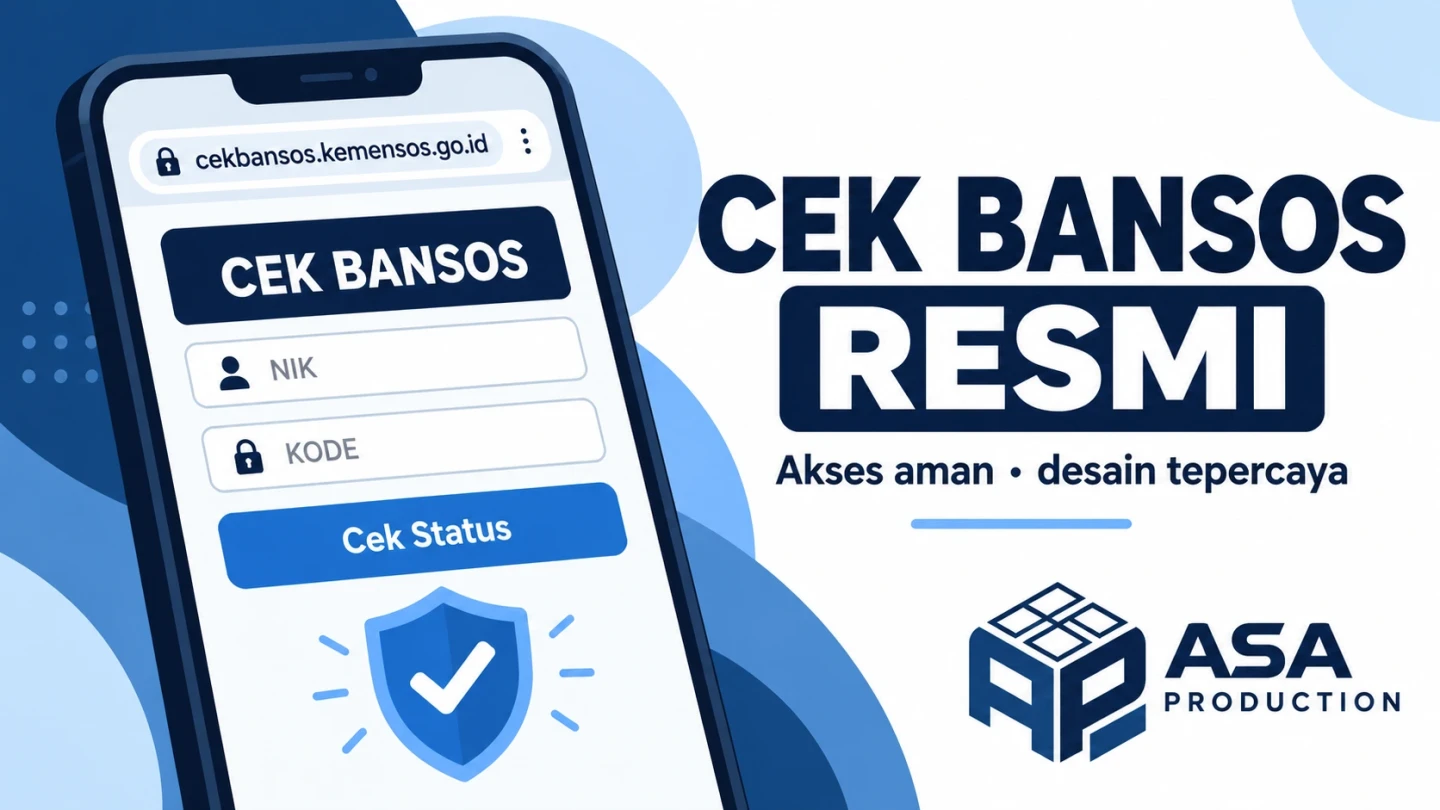
To check beneficiary data via a browser, go directly to cekbansos.kemensos.go.id. When checked on 28 September 2026, the page asks for a 16‑digit NIK matching the ID card and the code letters displayed on the screen, then provides a Cari Data button. cekbansos.kemensos.go.id
If you want to use the Android app, check Aplikasi Cek Bansos di Google Play. The listed developer is KEMENTERIAN SOSIAL REPUBLIK INDONESIA. Check the developer and link address before entering personal data; the app name alone is not enough to confirm authenticity. Aplikasi di Google Play
Quick steps to check data on the official site
- Type the address
cekbansos.kemensos.go.idin your browser. - Enter the 16‑digit NIK matching your ID card.
- Type the code letters that appear. If unclear, use the code refresh icon.
- Select Cari Data and read the displayed results.
The official page cites Data Tunggal Sosial dan Ekonomi Nasional (DTSEN) as its data source. If family welfare information seems inaccurate, the page explains how to update it via village or sub‑district, social services, or the Cek Bansos app by reporting real conditions. cekbansos.kemensos.go.id
Why source clarity matters to users?
When a service requests sensitive data like NIK, users need to know who manages it, the official address, and the purpose of each step. The Lampung Provincial Government also warns the public to be cautious of fake sites claiming to be Kemensos. DISKOMINFOTIK PROVINSI LAMPUNG
The same principle applies to businesses. Customers who want to order services, pay invoices, or monitor projects need to be sure the page they open truly belongs to the company and understand what happens after sending data.
Design lessons for business apps
1. Display official identity consistently
Use the same company domain across the website, business profile, invoice, and promotional materials. If the app is available on an app store, include a direct link from the official website along with a developer name that can be verified.
2. Request only necessary data
Long forms add friction. Specify the minimum data needed, label it clearly, and explain why it is requested. Privacy explanations should also be easily accessible.
3. Explain results and next steps
After a customer submits an order or request, display a reference number, status, and support path. If an error occurs, the message should explain what needs to be corrected. This clarity helps customers and reduces repeat questions to staff.
Start with the most frequently used customer flow
Businesses can start with one key flow, such as requesting a quote, ordering a service, or tracking work progress. Test whether customers can find the official page, fill out the form, and understand the outcome without staff assistance. Once the flow is clear, decide whether the solution is a website improvement, dashboard, or dedicated app.
Asa Production helps businesses build websites, apps, and automation systems based on real workflows. If you want to make the customer flow clearer and more trustworthy, discuss your needs via www.asaproduction.tech. Build. Automate. Grow.